Your Comprehensive Software Platform for Biometric Access Control, Workforce, and Visitor Management
IXM WEB is a powerful, all-in-one software platform that provides centralized management, monitoring, and reporting for your Invixium biometric ecosystem. Designed to support organizations with diverse security and operational requirements, the platform offers a comprehensive suite of licensed modules, customization options, and integration capabilities that deliver actionable insights for faster, more informed decision-making. Built with flexibility, scalability, and ease of use in mind, IXM WEB enhances operational efficiency through intuitive workflows, advanced analytics, and centralized system management. From access control to workforce management to visitor administration, the platform empowers businesses to streamline operations while maintaining the highest standards of compliance.
Featuring modern user experience, configurable dashboards, visual maps for real-time monitoring, and robust data protection measures, IXM WEB provides complete visibility into your organization's operations. It also features a unified, paperless, enterprise-level Visitor Management System (VMS) that simplifies administration while helping businesses improve productivity, strengthen security, and deliver exceptional user experiences. Continuously enhanced with innovations and capabilities, IXM WEB evolves alongside your organization's needs, providing a future-ready solution for enterprise, industrial, and critical infrastructure environments.
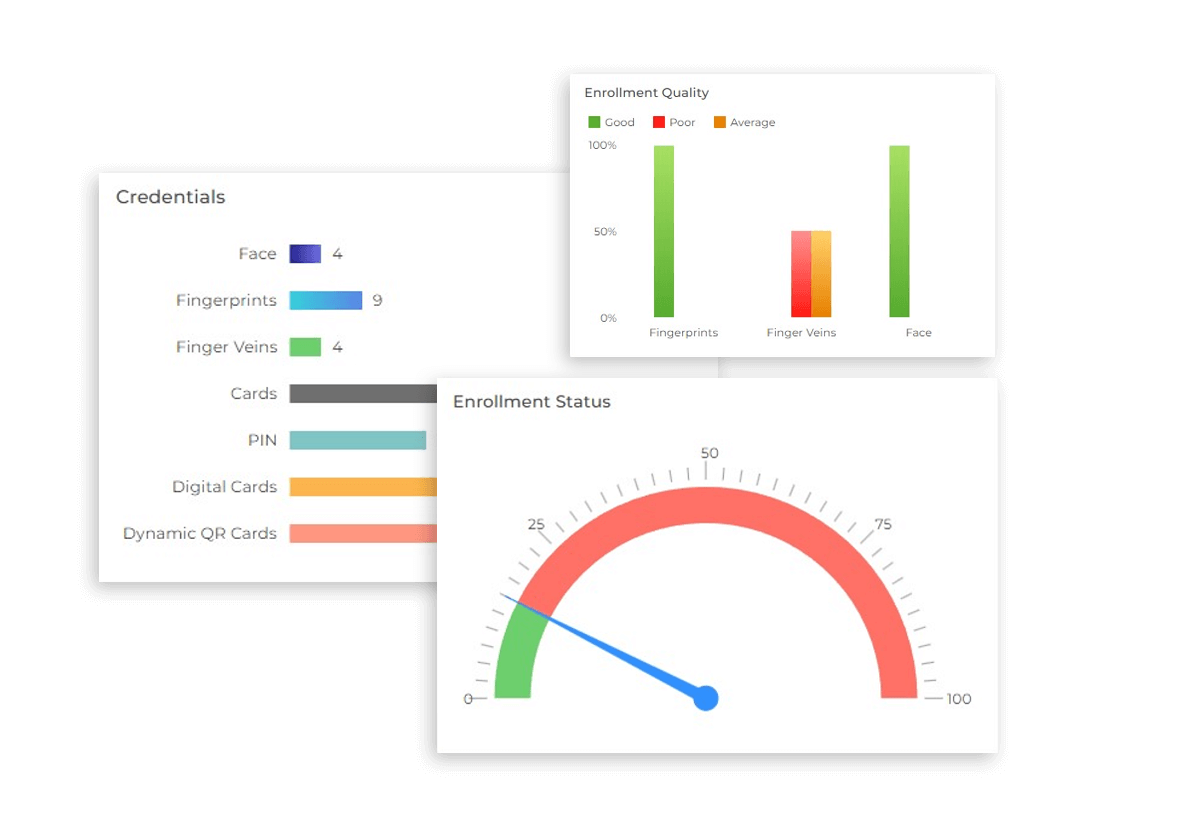
Playful Dashboards Create an Enjoyable User Experience
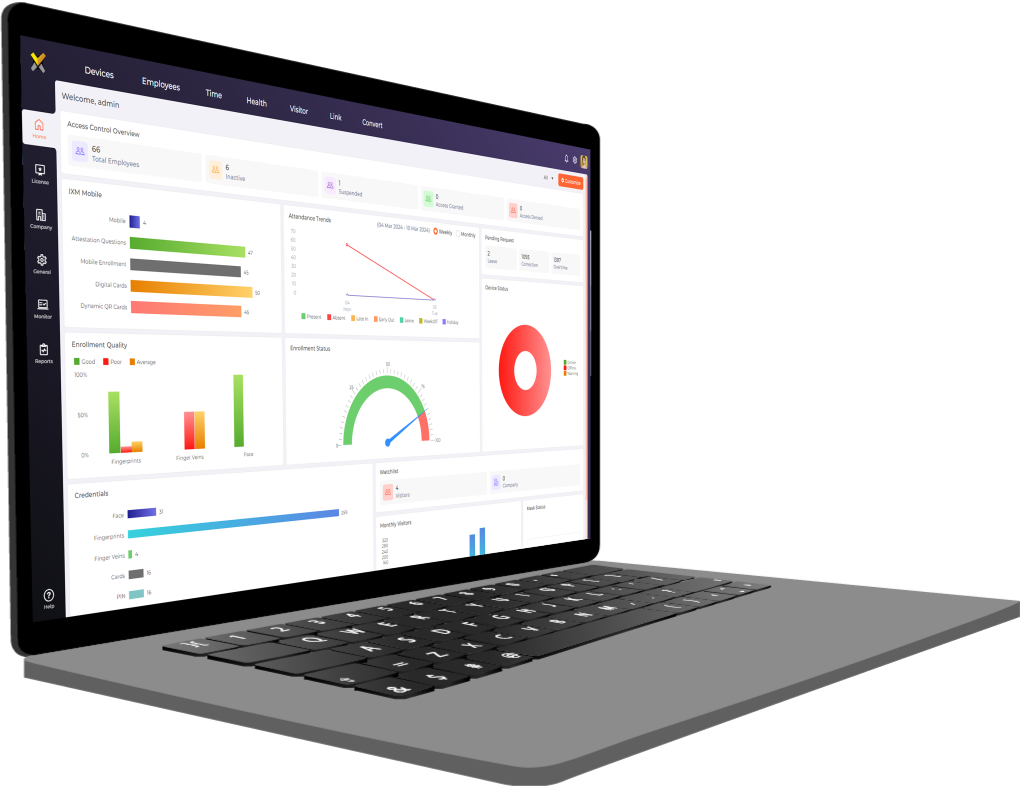
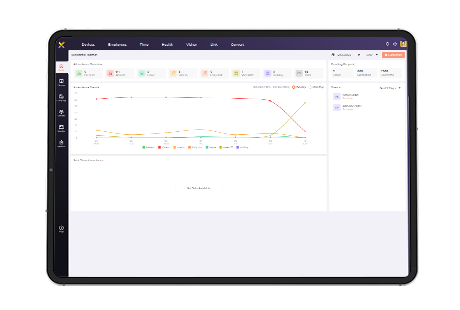
IXM WEB is built with interactive colorful dashboards to enhance user experience while delivering the data you need in an easy-to-use, easy-to-read format. Administrators will now be able to make quick, informed decisions regarding their devices or users.
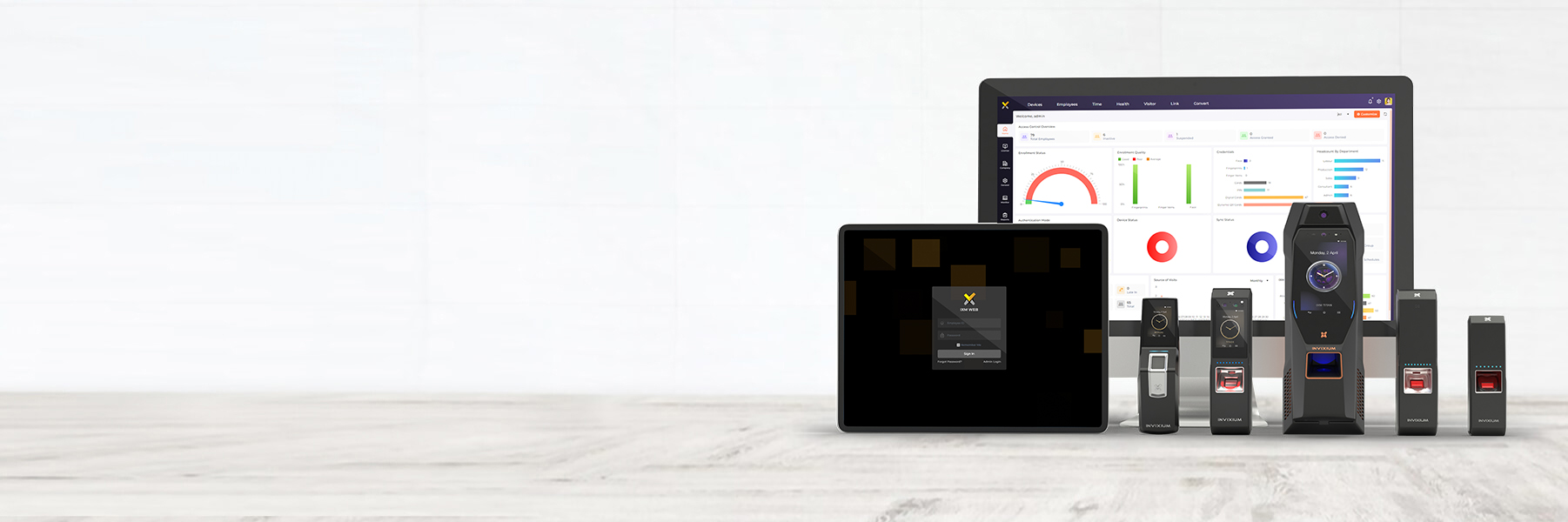
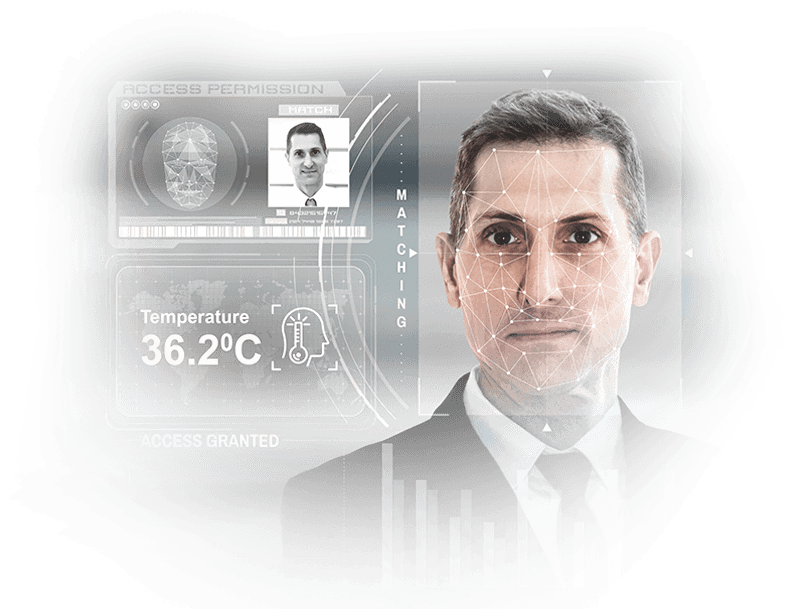
Enroll, Configure And Manage Employee Data
IXM WEB is used for biometric enrollment, configuration, and distribution of employee data to Invixium devices on the network. Configuration of employees from IXM WEB includes various features such as setting up access schedules, authentication modes, access rules, and more.
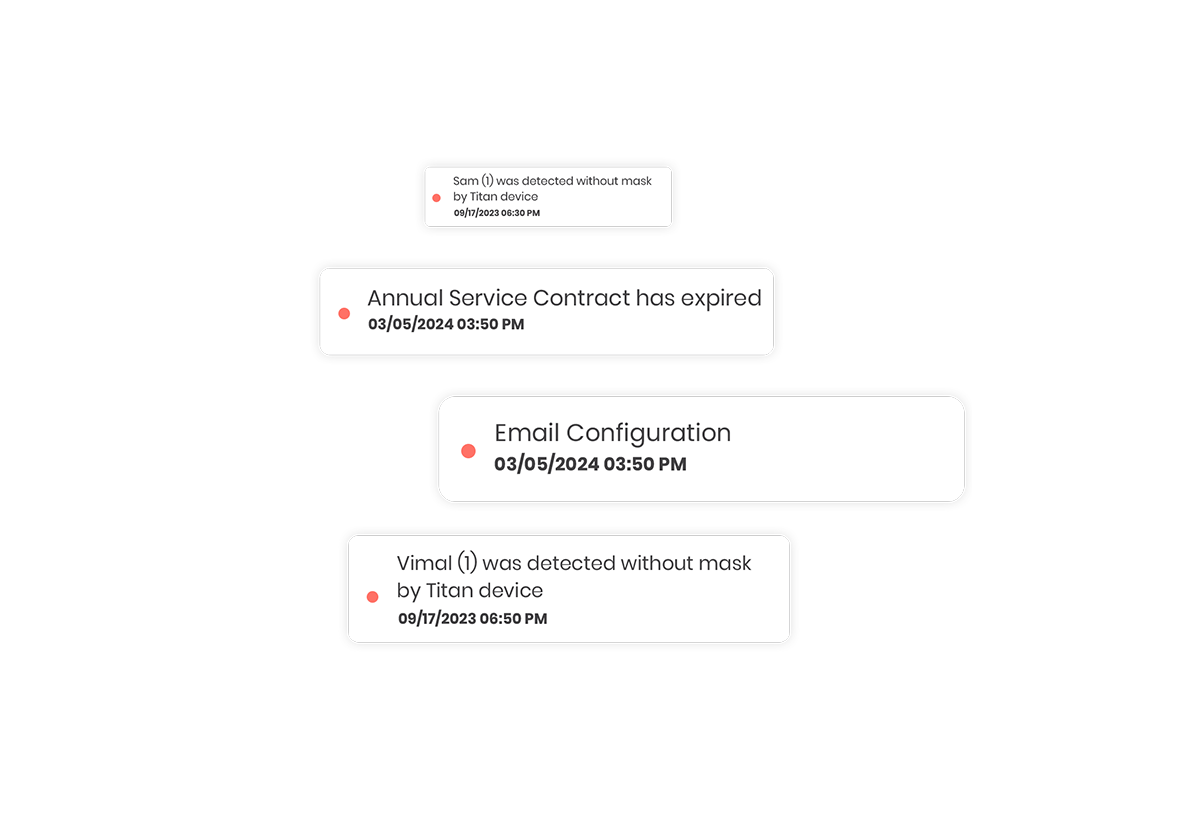
Notifications Help Keep You on Top of Your System’s Needs
Choose how and when key people are notified about what’s happening with your biometric security system. Whether push, email, or SMS notifications work best for you, IXM WEB has options for it all.
Intelligent Antipassback Adds Greater Physical Security
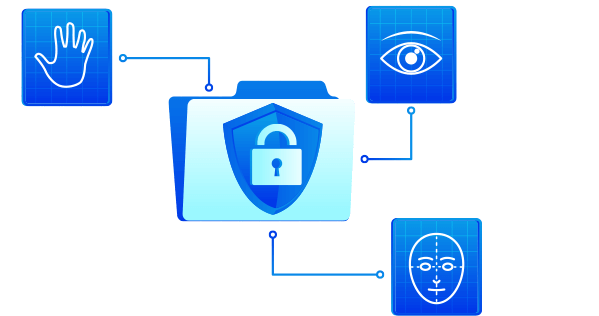
Antipassback is an enhanced security feature that prevents employees from sharing credentials. IXM WEB prevents passbacks by automatically checking access logs if the same person attempts to authenticate more than once in a short period of time.

Web-Based Application
For Ease of Use
IXM WEB’s hallmark usability feature is its web-based structure. This software can be installed on a server and be accessed from any device that has internet access or access to the specific server. This helps put you in charge of when and from where IXM WEB can be accessed.
Redesigned UI/UX Experience
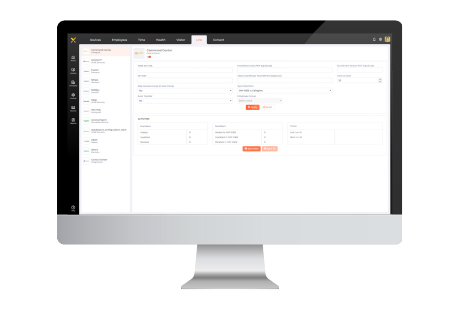
IXM WEB offers powerful analytics, dynamic dashboards, and actionable insights within a sleek, user-friendly interface designed to boost productivity and engagement. Admins can effortlessly select themes from pre-defined options and streamline workflows with minimum clicks to accomplish tasks efficiently. The intuitive UX ensures enhanced navigation and seamless interaction with the software, making it highly effective for managing complex data and operations. IXM WEB delivers the data you need in an easy-to-use, easy-to-read format, allowing admins to make quick, informed decisions regarding their devices or users.
Advanced, Enterprise-grade IXM VISITOR
IXM WEB includes IXM VISITOR, an enterprise-level visitor management solution. IXM VISITOR streamlines the visitor registration process that offers the flexibility to pre-register, conduct walk-in registrations, or opt for online registration. This versatile solution effortlessly accommodates various credentials, including biometrics, QR codes, or digital cards. With feature-rich enhancements like the ability to schedule group visits, categorize visit types and occurrences, a Visitor Watchlist feature, this comprehensive solution allows admins to efficiently manage visitor flows and access permissions for heightened security and control.
Visual Maps for Precise Monitoring
An innovative addition to IXM WEB that revolutionizes real-time tracking and monitoring. With visual maps, admins can upload multiple maps, like floor plans or organizational layouts of different locations they oversee, directly into the system, seamlessly integrating it with access control or time and attendance tracking devices. It helps to track events such as access denied, device online status, and door force openings, all depicted visually on the map. By assigning devices to specific locations on the floor plan, this feature helps admins with immediate insights into events across multiple premises. With this innovative tool at their disposal, admins can effortlessly visualize activity and make informed decisions without the need for generating reports every time.
Streamlined Web Check-In
With the Web Check-In feature within the employee portal of the time and attendance system, employees gain the convenience of remotely checking in and out from their laptops and desktops, enabling them to effortlessly mark their attendance. This streamlined functionality not only enhances flexibility but also ensures accurate time tracking for employees working from various locations.
Access Rights as per Access Level
Portal Module Access Rights feature grants employees’ module–specific rights within the portal interface, dictating which pages they can view and the permissions they have on each. This granular control lets admins to tailor access levels according to roles and responsibilities of the employees.
Advance Report Scheduler
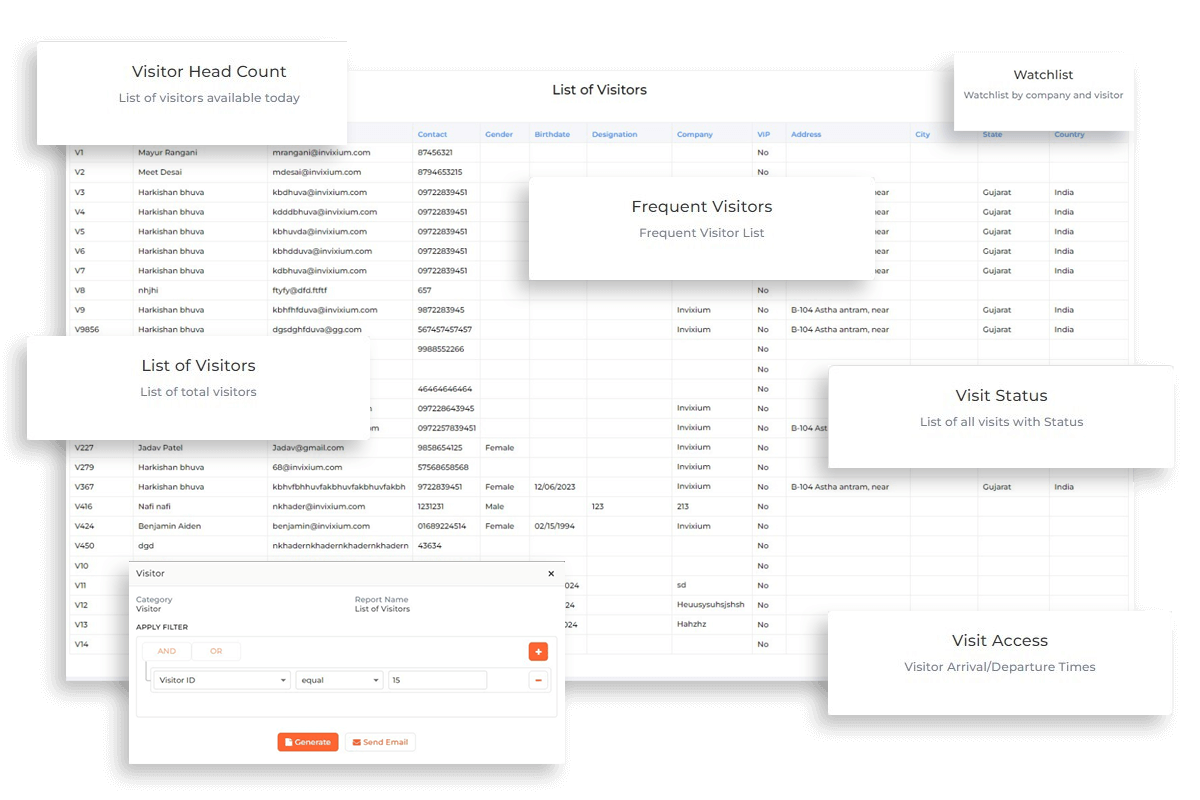
A powerful tool within the system that allows admins to schedule multiple reports based on various filters such as locations, weekly, or monthly intervals. With the flexibility of unlimited report scheduling, admins can configure precise times for automated report generation, streamlining the tracking processes.
Managing Threat Level
A pivotal security enhancement designed to adapt access permissions dynamically based on the severity of a threat. With this feature, admins can elevate security measures from single-factor authentication to a multi-factor authentication system in response to an escalated threat level. In the event of a security breach, access permissions can seamlessly transition from single-factor authentication to four-factor authentication.
Robust Security Measures
IXM WEB incorporates the latest security protocols certified by third-party Vulnerability Assessment and Penetration Testing (VAPT) to identify and address potential security vulnerabilities. End-to-end encryption protects from data breaches or cybersecurity threats at all stages of the system. AES-256 encryption ensures that data stored on devices is highly secure and more resistant to brute-force attacks. For data in transit, TLS 1.3 is employed to provide an additional layer of security and advanced performance. Sensitive information is further safeguarded with SHA-512 hashing. It also includes a stringent new password policy to enforce stronger user credentials, along with integration with Azure Single Sign-On (SSO) to streamline user authentication while maintaining security standards.
Licensed Modules Offer Greater Customization
IXM WEB is a solution built to scale with your needs without adding features you don’t need. Whether it’s time tracking, access control panel integration, or migrating between software systems, IXM WEB has a solution for you.
IXM Time
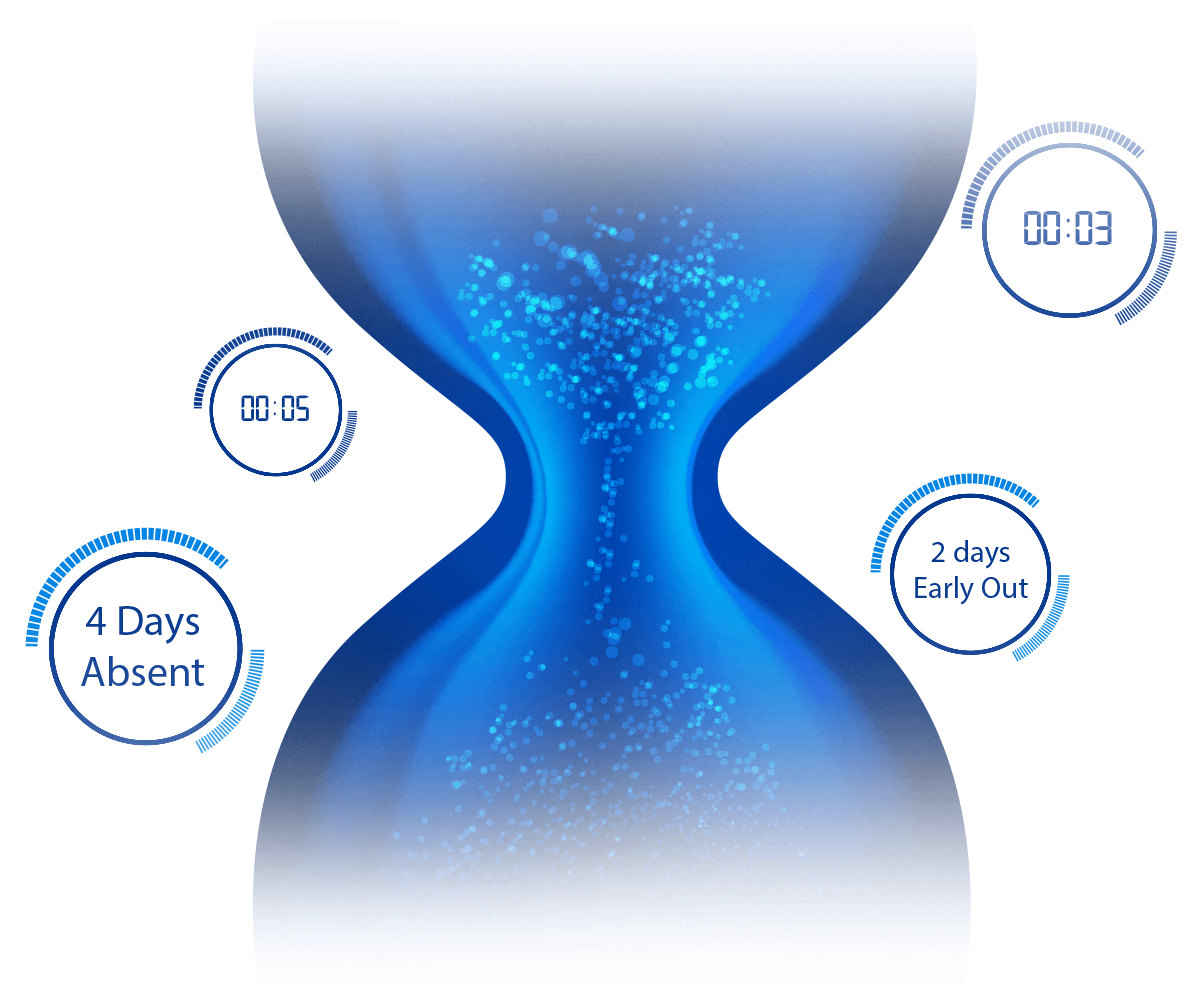
IXM Time can help organizations improve their productivity and efficiency by generating impactful reports, facilitating schedule and shift management, and integrating with a variety of HRMSs.
IXM Link
IXM Link allows for seamless integration between IXM WEB and leading Access Control Panel (ACP) software via automatic one- or two-way synchronization between IXM WEB and your ACP software, without the need for any manual data entry.
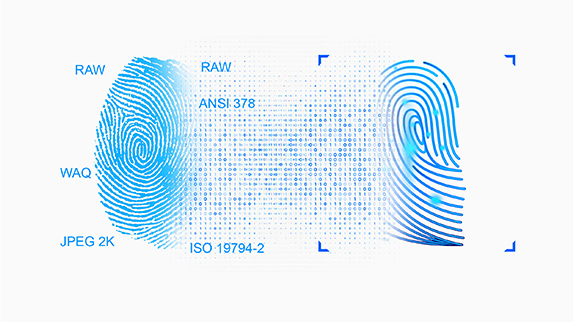
IXM Convert
IXM Convert saves you the time taken to enroll biometrics of your employees by converting non-proprietary fingerprint images and templates of legacy fingerprint systems into Invixium biometric templates or by using high resolution pictures to enroll face templates.
That's Not All
Web-Based Application For Ease of Use
IXM WEB’s hallmark usability feature is its web-based structure. This software can be installed on a server and be accessed from any device that has internet access or access to the specific server. This helps put you in charge of when and from where IXM WEB can be accessed.
Detailed Logs Always at Your Fingertips
IXM WEB maintains logs for the entire history of your Invixium security system, so you always have access to transactions completed by your devices in the event that you need to audit your system.
Cloud-Ready System Built for Tomorrow
IXM WEB is cloud-ready and able to run on cloud-based infrastructure to offer you the highest level of flexibility, usability, and modernization so you don’t have to think twice about physical server space for your security software.
High-Level Security and Encryption Complies with Guidelines and Protects Users
IXM WEB boasts enhanced security and encryption to protect all critical and sensitive information about your business, staff, and visitors. Data exchange between IXM WEB and devices is encrypted using state of the art encryption.
Notifications Help Keep You on Top of Your System’s Needs
Choose how and when key people are notified about what’s happening with your biometric security system. Whether push, email, or SMS notifications work best for you, IXM WEB has options for it all. Moreover, one can now customize pop-up message timings on devices for enhanced user experience.
Language Options Enhance Global Usability
No matter what language you do business in, IXM WEB offers localization features via IXM TRANSLATE to make setup and use of this software simple and accessible. All buttons, graphs, charts, and data will be translated into your local language using this feature.
Backed By the Support of Expert Software Engineers
Just like how Invixium devices are supported by engineers, a team of software experts is at the ready to offer you any support or customization you require to meet your unique, specific needs, including integration with a variety of third-party hardware and software solutions.
Minimum System Requirements
| CPU Requirement | 64-bit (x64) Quad-Core processor, 2.5 GHz or higher |
| RAM Requirement | 16 GB minimum |
| Storage Requirement | 100 GB SSD |
| Network Interface | TCP/IP, RS232, RS485, WiFi |
| WEB Server Requirement | Microsoft IIS v10.0 |
| Microsoft .Net Framework | Microsoft Framework v4.8 |
| Database | SQL Server 2016 or higher |
| Operating Systems |
Windows Server 2016 Standard Windows Server 2019 Standard Windows Server 2022 Standard Windows Server 2025 Standard Windows 11 Pro (23H2 – 25H2) Windows 11 Enterprise (23H2 – 25H2) Windows 10 Pro (22H2) Windows 10 Enterprise (22H2) |
| Supported Browsers |
Google Chrome (Latest) Microsoft Edge (Latest) Mozilla Firefox (Latest) Microsoft Internet Explorer is not supported. |
| Supported Devices | Desktop, Notebook, Tablet 1920 × 1080 minimum resolution (recommended for administration) |
| Deployment for Small Installations (Up to 15 devices, 500 employees) | 4 vCPU, 16 GB RAM, 100 GB SSD |
| Deployment for Medium Installations (16–50 devices, up to 5,000 employees) | 8 vCPU, 32 GB RAM, 250 GB SSD |
| Deployment for Large Installations (More than 50 devices or 5,000+ employees) | Hardware sizing based on expected transaction volume, concurrent users, reporting workload, and database growth. Contact Invixium Support for deployment recommendations at support@invixium.com |
Invixium designs and manufactures modern biometric for access control, workforce and visitor management and RTLS connected worker solutions that enhance security, productivity, and safety across enterprises, industries, and critical infrastructure.
Trusted by global Fortune 500 companies, Invixium combines powerful performance with intuitive design to deliver solutions that are easy to deploy, use, and scale.
111 Gordon Baker
Road Suite #300
Toronto
Ontario M2H 3R1
9:00 AM – 5:00 PM EST
2nd Floor – Elanza Vertex Sindhu Bhavan Road, Ahmedabad
Gujarat - 380059
9:30 AM – 6:30 PM IST
Laysen Valley
Business Park
Building 13, Level 1Riyadh, Saudi Arabia9:00 AM – 5:00 PM AST
Dubai Internet City
Building @17,
Unit G63,
Dubai
9:00 AM – 5:00 PM GST
40 Richards Ave
Third Floor
Norwalk
CT 06854
9:00 AM – 5:00 PM EST
Copyright © 2026 Invixium. All rights reserved.